First 100 orders: 30% off everything with code LAUNCH3030% off with code LAUNCH30

Shortcuts for product work.Get new AI skills, guides and apps the day they drop.

10% off one order. Unsubscribe anytime. Privacy

Save $18

AI skills bundle

5 Claude skills in one download:

  • wcag-master
  • design-token-builder
  • copy-scorer
  • no-bullshit-research
  • ux-psychology-review
$69$87 separately
macOS · Coming soon
YappermacOSAppDictation
Soonwaitlist open
design-token-builderDesign tokensFigmaClaude skill
$29one-time
wcag-masterAccessibilityAuditClaude skill
$49one-time
copy-scorerCopywritingClaude skill
$9one-time
no-bullshit-researchResearchClaude skill
Freedownload
PDF · Coming soon
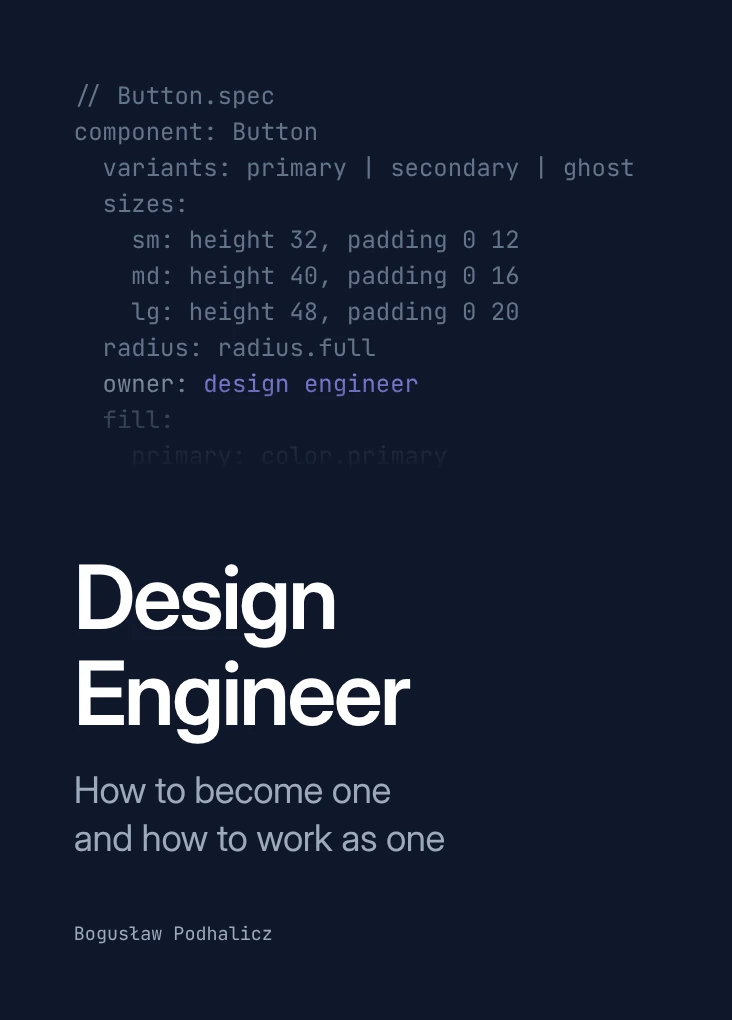
Design Engineer e-bookGuideCareerPDF
Soonwaitlist open
ux-psychology-reviewUX reviewClaude skill
Freedownload
FAQ

Questions
you may ask.

What is a Claude skill?

A folder of instructions that teaches Claude one job, like auditing a screen for accessibility. You add it once and call it by name.

What do I need to use it?

Any Claude plan that supports skills, including Free, with code execution turned on. Skills work in claude.ai, Claude Desktop and Claude Code. Some features need more, for example the Figma connector for work in Figma. Each product page lists what it needs.

I downloaded a folder, not a ZIP. What now?

Safari unzips downloads by default. Open the downloaded folder. To add the skill to Claude Desktop, open the .skill file with Claude (right-click → Open With → Claude). In claude.ai, upload the .zip file. If there is no ZIP, turn off Safari → Settings → General → “Open ‘safe’ files after downloading” and download the file again from your email or your customer portal.

Does it work with ChatGPT or Gemini?

Our skills are built and tested with Claude. They use the open Agent Skills format (a folder with a SKILL.md file), which ChatGPT (Business, Enterprise and Edu plans), Codex, the Gemini app and Google Antigravity can also load. We haven't tested them there, so results may differ. Features that need a specific tool, like web search or a Figma connection, work only if that agent has it. Each product page lists what it needs. If it doesn't run in your setup, email us within 14 days and we'll help you fix it or refund you.

Can I use it in client projects?

Yes. Use the product in your own work and in client projects, commercial or not. Details in the License.

Can my team share one copy?

No. One license is for one person. Each person who uses the product needs their own copy. Details in the License.

What if it doesn't work for me?

Email us within 14 days of purchase. We’ll help you fix it, and if we can’t, we issue a refund through Polar. Your statutory rights for faulty digital content (at least 2 years) apply on top of that. See Refunds.

Do I get updates?

Fixes, yes: the updates needed to keep it working as described, including security fixes. We don't promise new features or new versions. If we release one for a product you bought, the product page says whether it is included.

How does payment work?

You buy from Polar, our reseller and merchant of record. Polar takes the payment, handles VAT or sales tax and sends the invoice. Refunds go back to your original payment method through Polar. See Legal info.

About

A small shop of shortcutsfor product work.

Every project has work that comes back each time: reviews, audits, research, documentation, everyday admin. Hotkeys Supply is here to help you spend less of your time on steps you’ve done before and more of it on the decisions that shape the product.

Here you’ll find AI skills, guides, small apps and other digital products. Each one is crafted for a specific job, thought through, tested and finished down to the details.

It’s for anyone who builds products: designers, product managers, product owners, project managers and anyone who likes to use their time well.

Buy it once and it’s yours. No subscription, no hidden stuff. And if something doesn’t work, we’ll help you get it running.

New tools land here first. Subscribe to get an email the day one drops and 10% off one order. One email per release.

Subscribe to the newsletter ↓

What you’ll find here

AI skills

Claude skills that teach Claude how to handle a specific kind of product task. You add one once and call it by name.

Guides (e-books)

Guides on new roles and ways of working in product teams, written to be used on a real project.

Apps

Small apps that take friction out of everyday product work.

How it works

Pick a tool

Each product page says what it does and what you need to run it.

Pay once

Checkout runs on Polar, our merchant of record. Prices include VAT in most countries. In the US, Canada and India, tax is added at checkout.

Download and use it

Polar emails you a link to your customer portal. Sign in with the email you paid with and download the ZIP.

Created byBogusław PodhaliczDesign Lead and Product Builder. From discovery to working code: research, UX and UI, design systems, AI‑assisted development. I build these tools for my own daily work. Hotkeys is where they go once they’re ready for someone else to use.

Page not found

Nothing lives at this address. Check the link, or start from the home page.

Go to the home page
Keep scrolling. There's a keyboard down there ↓

Press any key.

Drag the keys, toss them, spell something. Type on your keyboard to drop more.